analogarchivejs
What You'll Need
- Docker Desktop - Download from docker.com
- Your music files - MP3, FLAC, or M4B formats
- Terminal/Command line - Built into Mac/Linux, or PowerShell on Windows
- (Optional) Backblaze B2 account - Only needed for cloud storage features
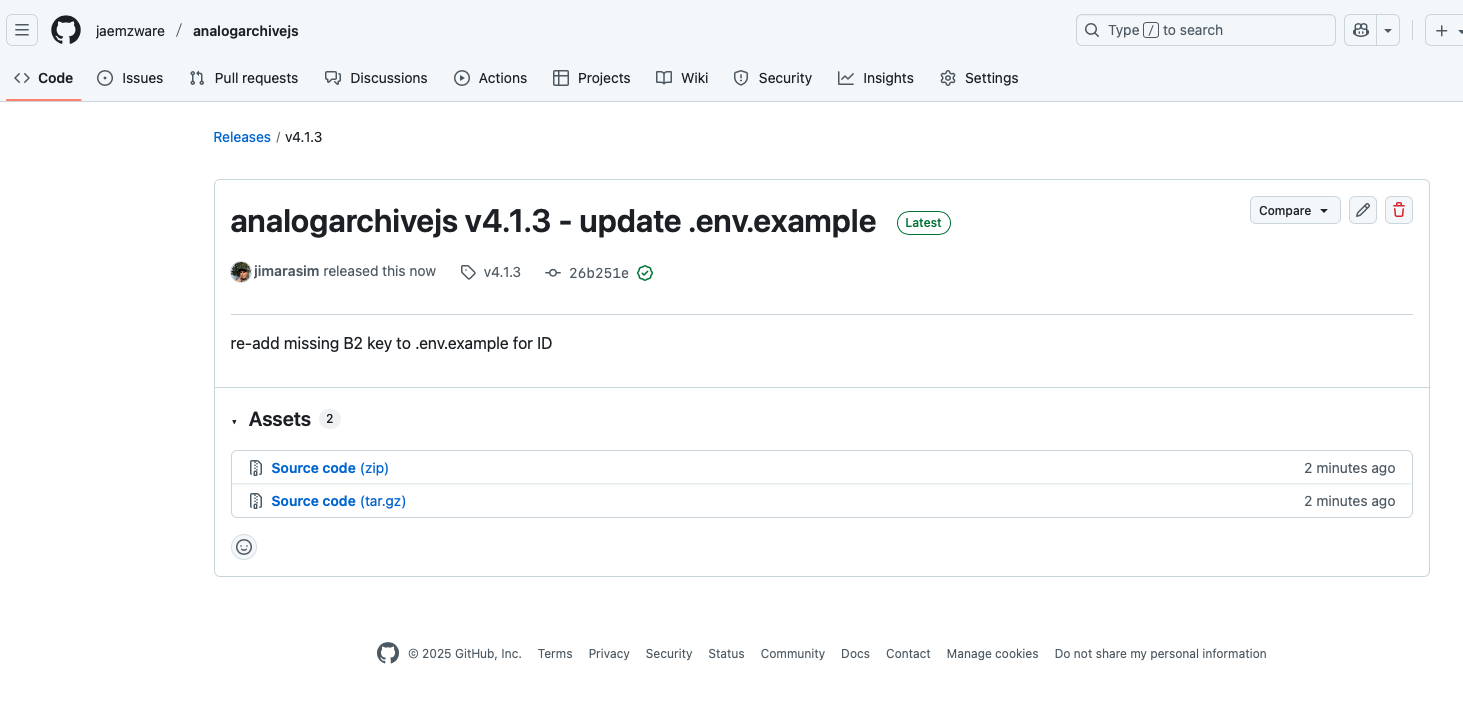
Step 1: Download the Project
Download the latest release from GitHub and extract it to a folder on your computer.
Step 2: Set Up Your Configuration
First, copy the example configuration file to create your own .env file:
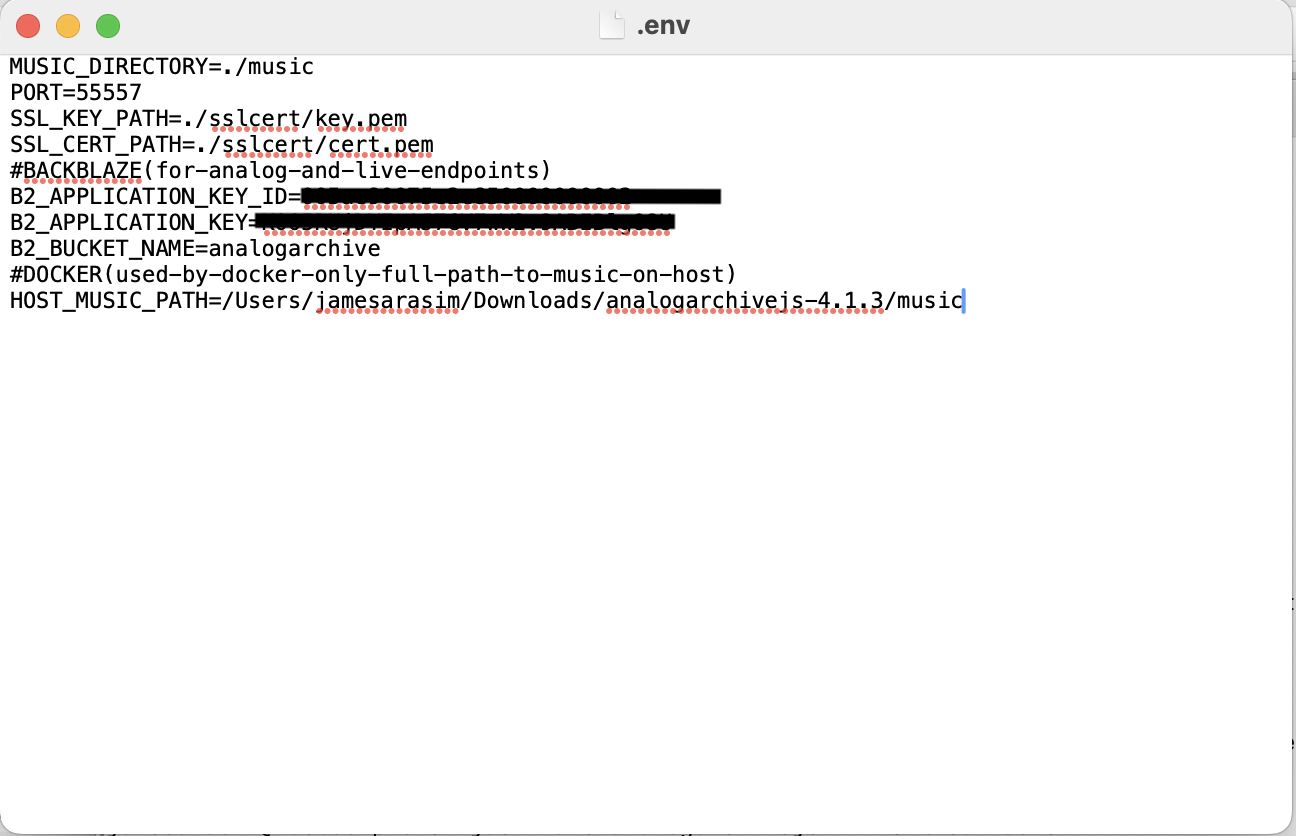
Now open the .env file in a text editor and update the paths:
Required Settings:
MUSIC_DIRECTORY=./music
PORT=55557
SSL_KEY_PATH=./sslcert/key.pem
SSL_CERT_PATH=./sslcert/cert.pem
HOST_MUSIC_PATH=/Users/yourusername/Downloads/analogarchivejs-4.1.3/music
HOST_MUSIC_PATH to the actual full path where your music folder is located on your computer!
Optional B2 Settings (for cloud storage):
B2_APPLICATION_KEY_ID=your_key_id
B2_APPLICATION_KEY=your_key
B2_BUCKET_NAME=your_bucket_name
You can leave these blank if you're only using local files.
Step 3: Add Your Music
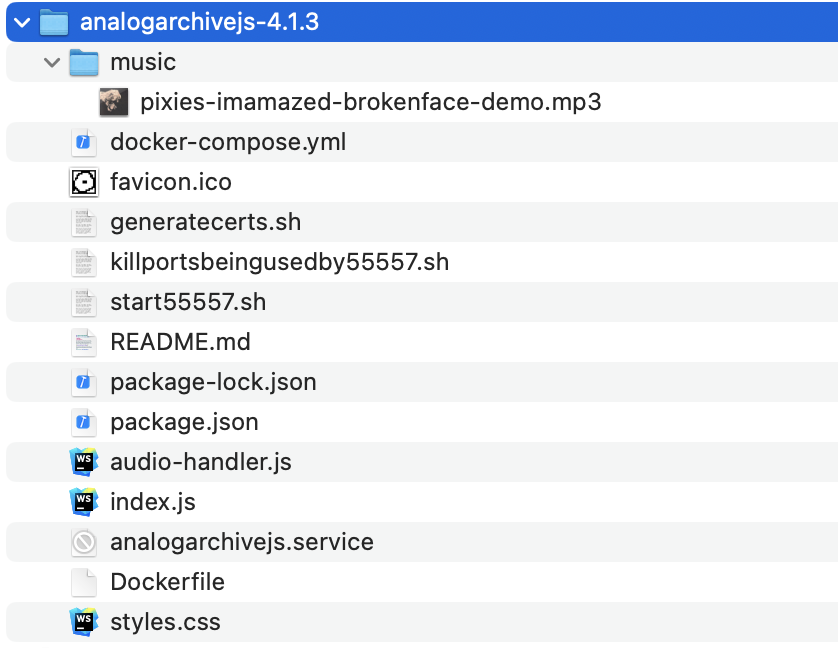
Create a music folder in the project directory and add your music files. You can organize them however you want - the app will find them all.
Step 4: Start Docker Desktop
Open Docker Desktop and make sure it's running. You'll see the Docker icon in your menu bar/system tray.
Step 5: Build and Start
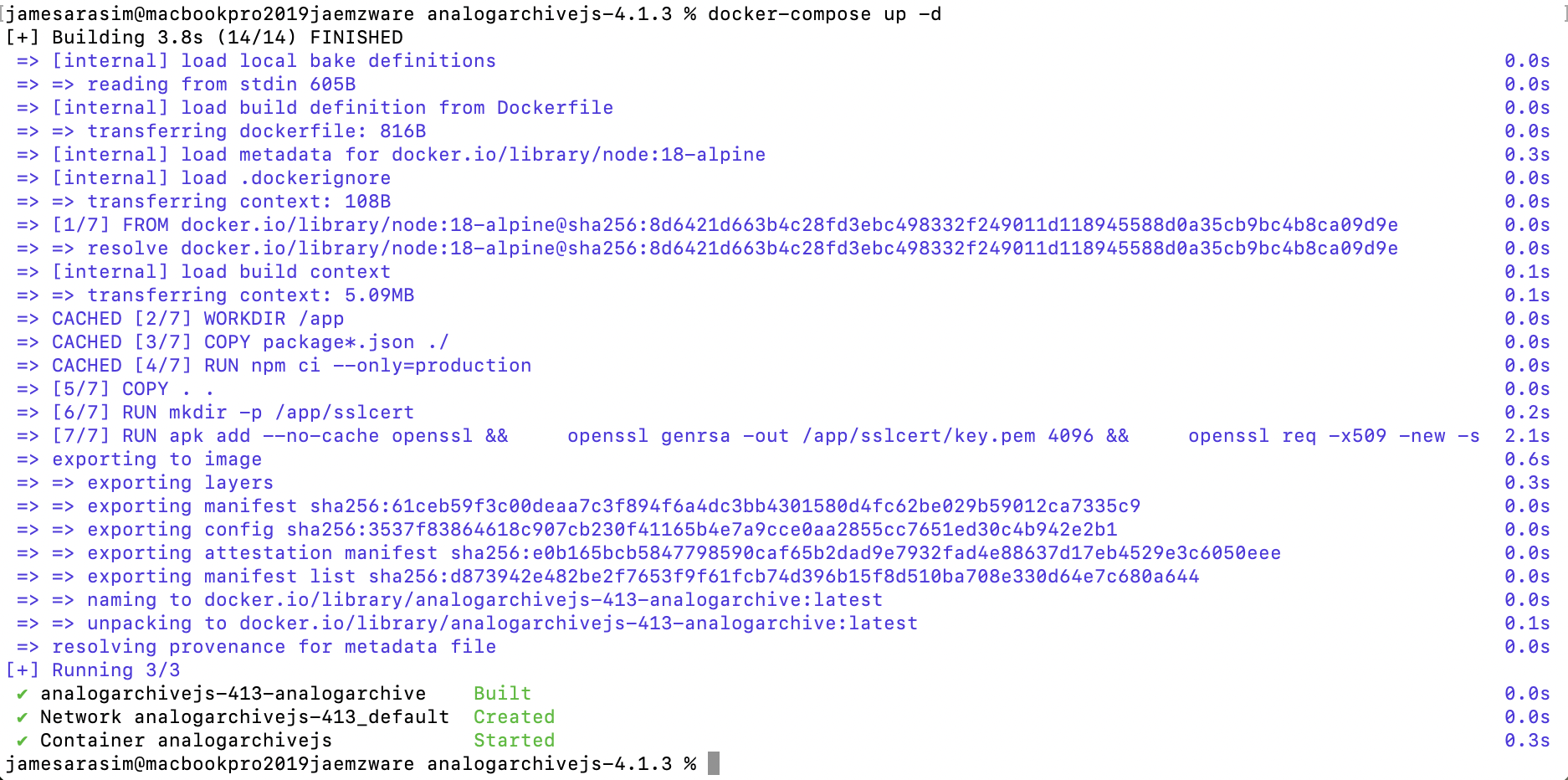
Open Terminal (Mac/Linux) or PowerShell (Windows), navigate to the project folder, and run:
This will build everything and start the server. First time takes a few minutes.
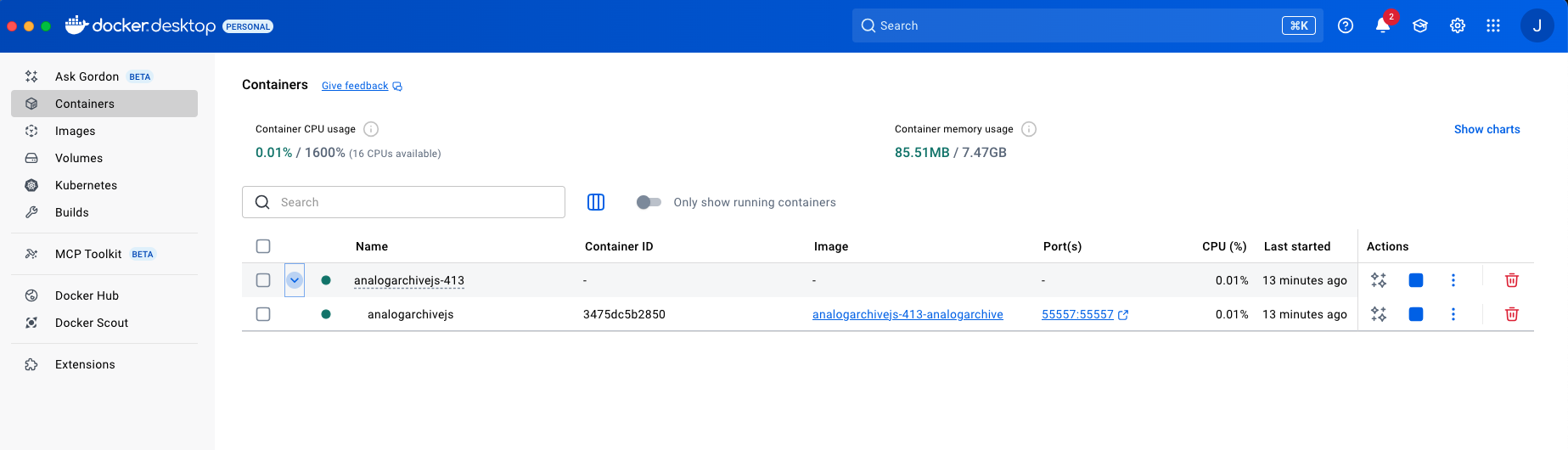
Step 6: Verify It's Running
Open Docker Desktop and check that the container is running:
Step 7: Open the App
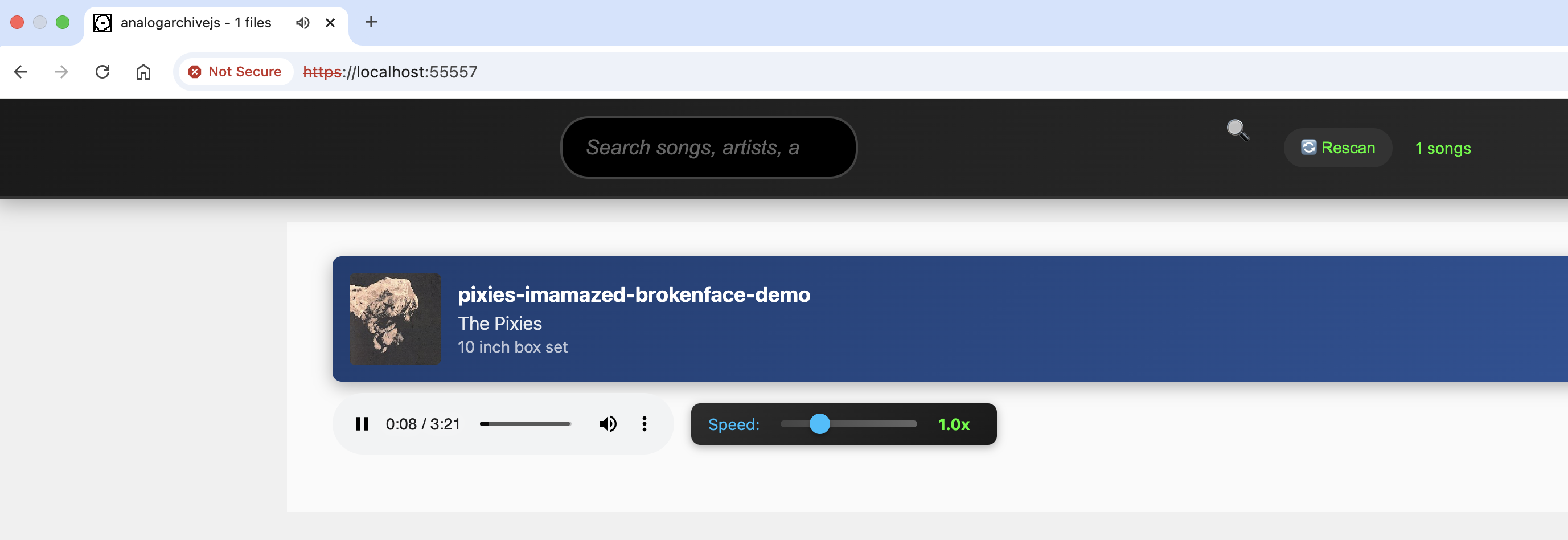
Open your browser and go to:
Using the App
Playing Music
Click any song to start playing. The player shows album art, song info, and playback controls.
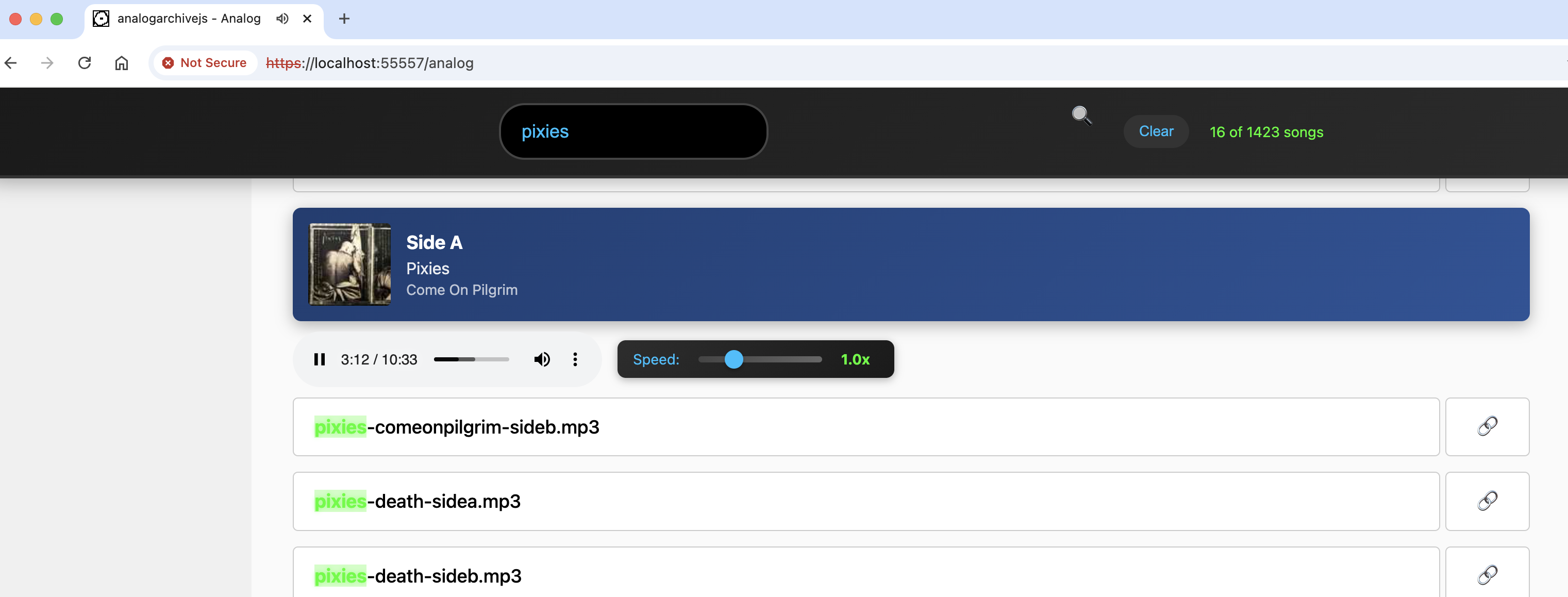
Searching Your Library
Use the search box at the top to filter by song name, artist, album, or folder. It updates as you type.
Playback Speed
Adjust the speed slider to play faster or slower (useful for audiobooks or learning).
Available Endpoints
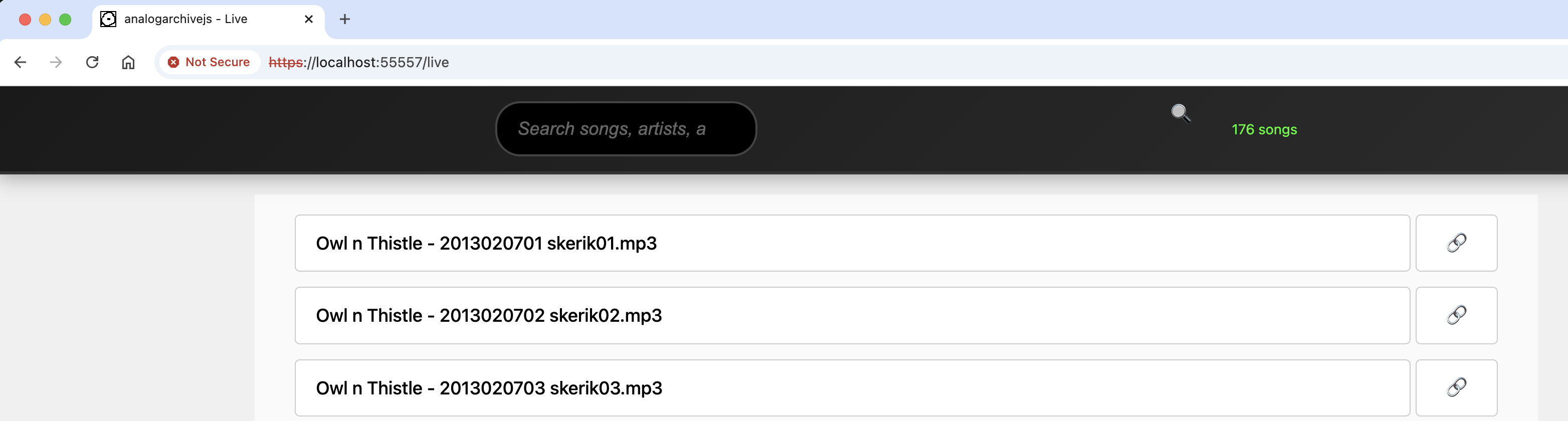
https://localhost:55557/- Your local music fileshttps://localhost:55557/analog- B2 cloud "analog" folder (requires B2 setup)https://localhost:55557/live- B2 cloud "live" folder (requires B2 setup)https://localhost:55557/rescan- Manually rescan music library
Managing the Server
Stop the server:
Restart the server:
View logs:
Rebuild after making changes:
Troubleshooting
No music showing up?
- Check that
HOST_MUSIC_PATHandMUSIC_DIRECTORYin .env are the correct full paths - Make sure your music files are .mp3, .flac, or .m4b
- Visit
https://localhost:55557/rescanto manually trigger a rescan
Container won't start?
- Make sure Docker Desktop is running
- Check if port 55557 is already in use
- Run
docker-compose logsto see error messages
Browser won't connect?
- Make sure you're using
https://nothttp:// - Click through the security warning (it's safe - it's your own server)
- Try restarting the container
Privacy & Security
- No database - Everything runs in memory, nothing is permanently stored
- No tracking - No analytics, cookies, or external requests
- Completely local - Works offline with local files
- You control everything - Self-hosted on your own machine
- Encrypted connections - HTTPS only
Need Help?
Visit the project on GitHub: github.com/jaemzware/analogarchivejs
Enjoy your private music streaming! 🎵